The task
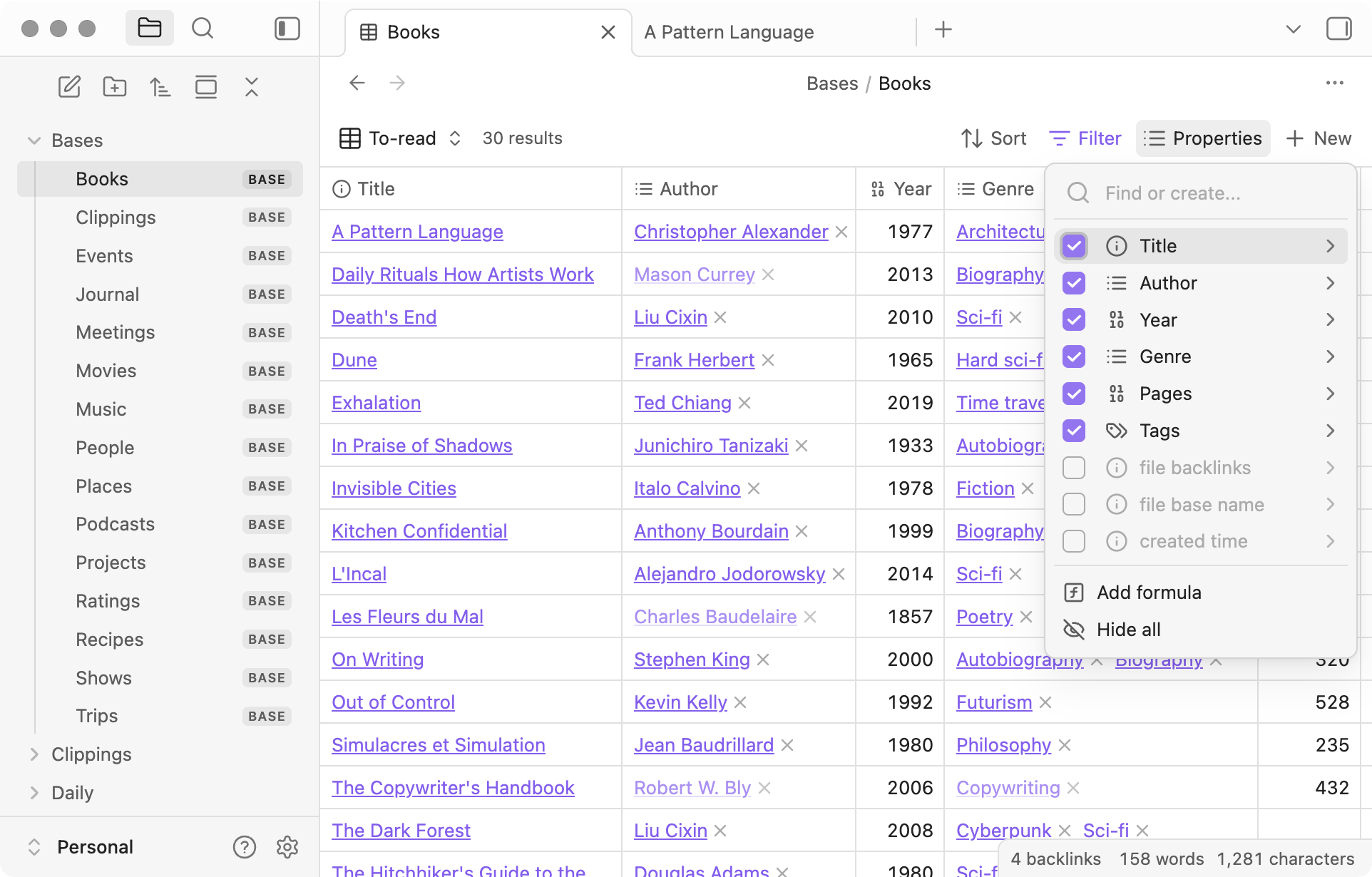
Knowledge tools accumulate more than prose. A working project may contain tables, filtered views, attachments, comments, automations, and links from one page to another. An export option can move content without preserving every behavior. Superhuman Docs' help describes several export paths and specifically warns that copying a table requires attention to hidden columns and filters. That is a useful clue about the difference between 'data moved' and 'project still works.'
The proposed practice is a small exit rehearsal while the current system is healthy. Pick one representative project, not an empty demo doc. It should include a table, a linked page, and at least one attachment or embedded reference if those are normal for the team. Export it, open the output in a separate environment, and make a loss list.
What to inspect
Count the records before and after. Check hidden columns, filter state, formulas, linked references, and file attachments. Ask whether a reader can still understand why an item exists and who last changed it. If the export produces a PDF, it may be good for a frozen record and poor for ongoing editing. If it produces a table, verify that rich context did not collapse into a cell with an unusable link.
Record the procedure, export date, and destination. Keep the original untouched during the rehearsal. A migration becomes risky when the team discovers a missing feature only after it has canceled the old workspace or changed permissions. The cost of a small rehearsal is far lower than reconstructing a shared knowledge base under a deadline.
- Choose a representative project with mixed content.
- Export and open it in a separate destination.
- Compare record counts, links, attachments, and behavior.
The friction to budget for
There may be no perfect one-click format for a living workspace. Decide what must remain editable, what may become an archive, and what needs manual rebuilding. Give each loss an owner and an acceptable workaround. The point is not to prove that every platform is interchangeable; it is to know the exit cost before dependence deepens.
A usable exit plan is a short, current document that another teammate could follow. If the last rehearsal is years old, repeat it after major changes to the workspace. Portability is a practice, not a marketing claim.
The rehearsal should include a retrieval question: can somebody find a specific decision in the exported material without knowing the old workspace layout? Content can be present and still be functionally lost when navigation, names, or relationships are stripped away.
Sources & dates
- Overview: Export data from Superhuman Docs ↗Superhuman Help Center · Source date not stated · Retrieved 2026-09-16
Superhuman Docs documents several options for exporting individual docs or pages. Its guidance says visible table data can be copied to another app and hidden columns or filters should be checked first.
Source publication dates and historical event dates describe the source material. This page has not been publicly published.