The task
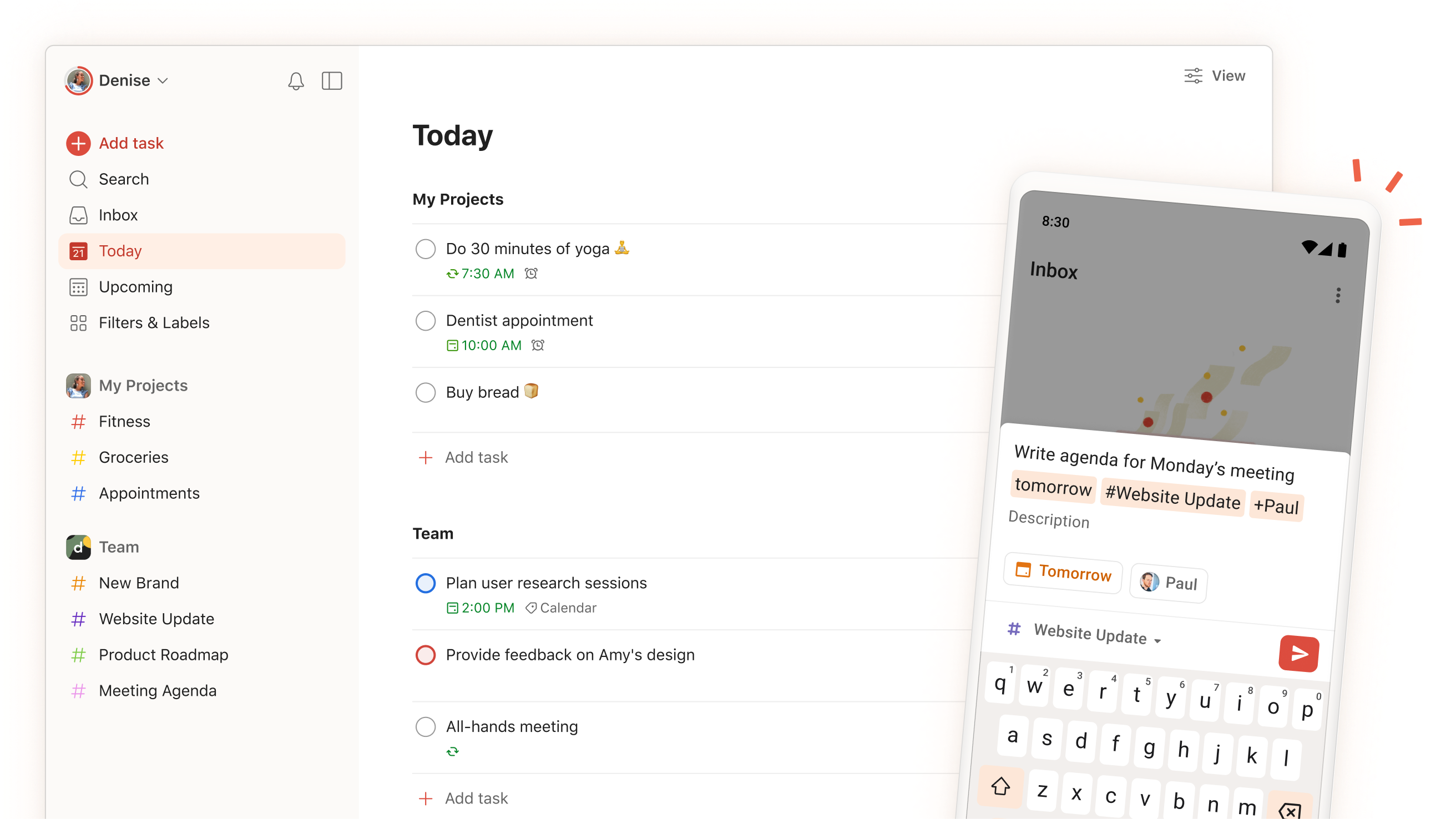
A calendar full of colored task blocks can look like a realistic week. It may still tell coworkers that every hour is free. Todoist's calendar integration documentation says synced tasks live on a separate Todoist calendar and do not change the primary calendar's free/busy status. That is an operational detail, not a cosmetic one, when other people can book across your planning time.
The proposed capacity check therefore starts with the calendar used for booking. List the meetings already accepted, then the fixed deadlines and the blocks needed for work. Decide which blocks must protect availability and verify how that protection is represented in the calendar others actually query. A task appearing in your own view is only one half of the setup.
A proposed weekly pass
Assign durations to the few tasks that genuinely need focused time. Keep small errands as a list unless they need a specific slot. Place the large blocks around meetings, breaks, and handoffs. Then inspect availability from the booking side, or ask a colleague what they can see. The point is to catch a mismatch between your private plan and the team's scheduling surface before the week fills.
When a block moves, update its owner record once. Todoist documents several sync behaviors, including cases where a calendar change does not update a recurring task instance. That is a reason to review recurring work after moving it, rather than assuming every drag operation preserved the intended recurrence. Use the help page as the exact product reference; this note has not tested the integration.
- Identify the calendar that controls external booking.
- Time-block only work that needs protected capacity.
- Check free/busy visibility and recurring-task changes after scheduling.
The friction to budget for
Capacity planning is not achieved by filling every gap. A day with no buffer will be rearranged by the first urgent request. Leave room for review, follow-up, and estimates that are wrong. If the calendar shows more work than can fit, reduce commitments or move a deadline; changing colors will not create hours.
The useful metric is the count of commitments that actually fit after meetings and maintenance. A visually tidy week that still permits double booking is a warning that the schedule is a picture rather than an agreement about time.
A useful weekly review also asks which blocks moved repeatedly. If the same task is pushed three times, the problem may be priority or an unrealistic estimate, not the calendar integration. Bring that tradeoff into a conversation with the task owner.
Sources & dates
- Use the Calendar integration ↗Todoist Help · Source date: 2026-09-04 · Retrieved 2026-09-16
Todoist can display Google or Outlook events beside tasks and sync time-blocked tasks to a separate Todoist calendar. The synced task calendar does not affect primary-calendar free/busy status. Calendar events shown in Todoist are read-only there.
Source publication dates and historical event dates describe the source material. This page has not been publicly published.