Historical source and event dates are not site publication dates. Product plans, policies and availability may have changed since retrieval.
The setup
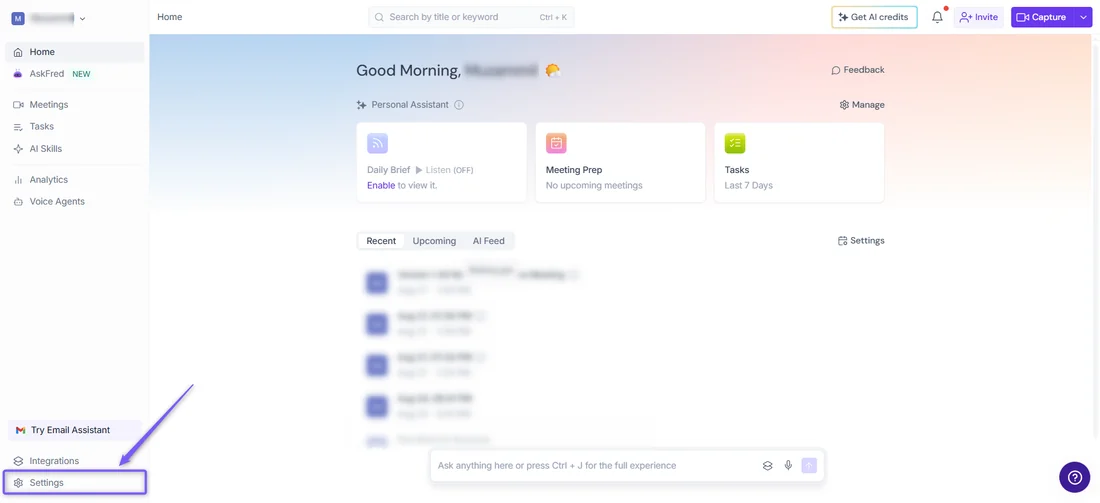
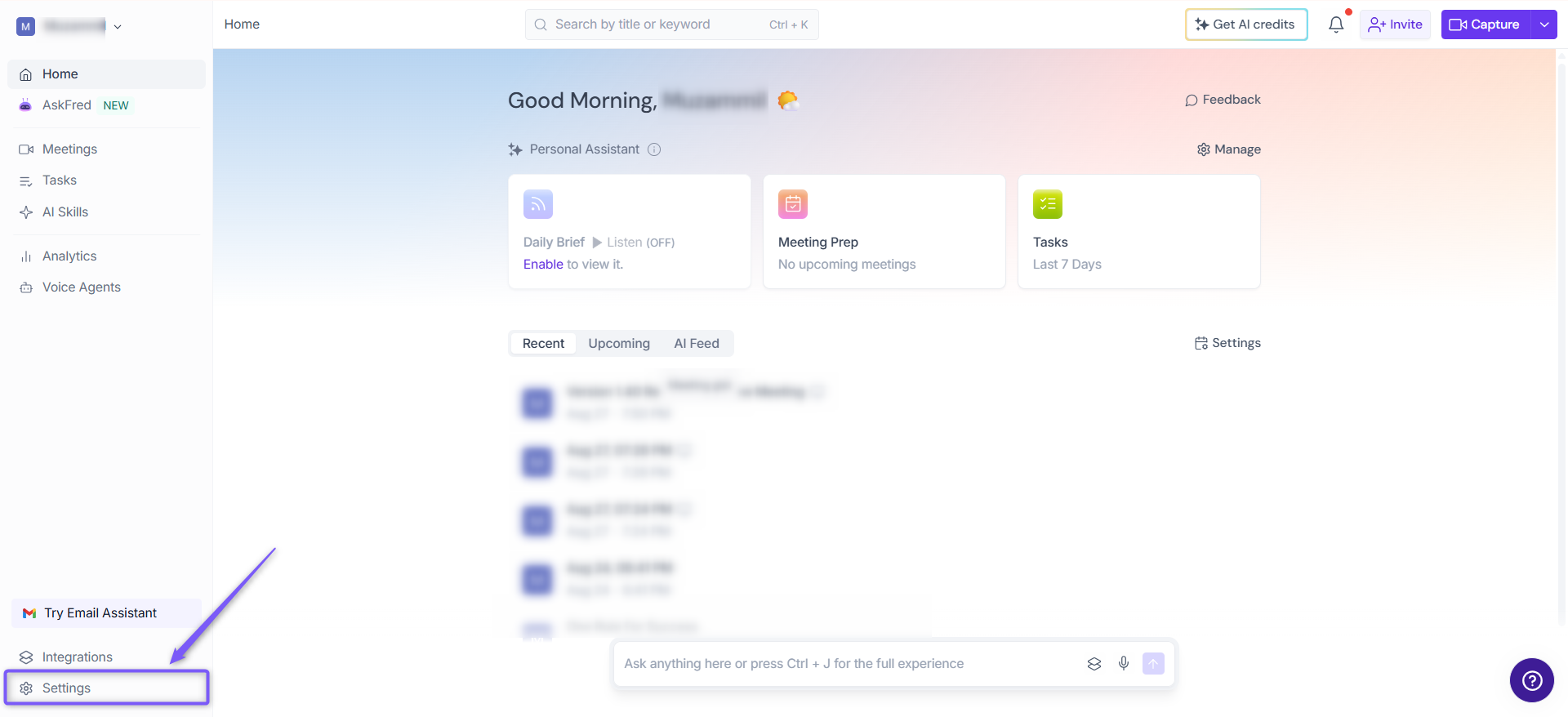
Fireflies works the way most notetaker bots do: connect a calendar or invite the Fireflies bot to a meeting link, and it joins as a visible participant to record and transcribe. Setting up consent behavior, though, is described by Fireflies' own Recording Consent and Meeting Compliance guide as depending on the meeting platform, not a single Fireflies-wide switch. A user reaches these controls from Settings, under a Compliance Notification section, either for a personal account or, on the Team tab, for the whole workspace.
What the documents show
The compliance guide splits consent into two models. Some platforms, including Zoom and the Google Meet SDK, show their own pop-up asking a participant to approve or decline the bot before it can join at all — Fireflies calls this opt-in, and a decline keeps the bot out entirely. Everywhere else, Fireflies uses an opt-out model: the bot joins automatically, and participants are expected to remove it themselves, using a chat command, a voice command, or the platform's participant list. To support that model, Fireflies documents two notices a host can turn on: an email sent one hour before the meeting with a link to decline, and a pinned in-meeting chat message announcing that Fireflies has joined. A separate security page adds that meeting content is inaccessible without consent and that Fireflies runs a zero-day retention policy for model training, a narrower claim about training data than about notification.
The friction
Both compliance notices are opt-in for the host to configure, not automatic, and the guide is direct that responsibility does not disappear if they are switched off: a host who disables a consent option, it says, is responsible for informing participants another way and complying with applicable recording laws. The desktop, bot-free capture mode adds a third layer — a watermark badge and a spoken audio notice — on by default but each togglable independently, so a workspace's actual notice behavior can vary by which capture method and toggles a host has set.
What changed in the work
Before a tool like this, a recorded call meant a visible action — someone hit record, and the room generally knew it. After it, whether anyone is told depends on which video platform is in use and whether a host left Fireflies' opt-in notices on. Read as an editorial matter, the kept piece is that Fireflies preserves a pause-and-remove command at any time, in chat or by voice, so a participant retains some control after the fact even where the platform gave no pop-up at the start.
- Does the meeting platform in use show a join-approval pop-up, or does Fireflies default to opt-out here?
- Are the one-hour email notice and in-meeting chat message turned on for this workspace or account?
- If the desktop bot-free mode is used instead, which of its three notice signals has been left on?
Fireflies' documentation answers what the controls do; it does not say how often any host leaves them on, which is the variable that determines whether a specific meeting's participants were told.
Sources & verification
Preserved from the earlier archive. These sources have not all been freshly rechecked for this expansion.
- Recording Consent and Meeting Compliance in Fireflies: Opt-In, Opt-Out, and ControlsSource date: not stated · Retrieved: 2026-09-16
Describes opt-in versus opt-out consent by meeting platform, the one-hour email notice, in-meeting chat message, and desktop bot-free consent signals.
- Fireflies SecuritySource date: not stated · Retrieved: 2026-09-16
States meeting content is inaccessible without consent and describes a zero-day retention policy for model training.
Continue the workflow
- Review a shared-inbox draft without colliding or sending early
A small-team shared-inbox routine that prevents duplicate replies, context leakage, approval confusion, and accidental sends.
- Reconcile meeting actions across a recurring series
A method for resolving duplicate, changed, and conflicting action items across recurring meeting notes, transcripts, and task systems.
- Write an asynchronous status update from source records
A compact status-update format for freelancers and small teams that readers can verify without scheduling another meeting.
- Otter's meeting-notice email is a toggle, not a default
Otter's own settings documentation shows which recording notices are opt-in and which an admin can force.