Historical source and event dates are not site publication dates. Product plans, policies and availability may have changed since retrieval.
The setup
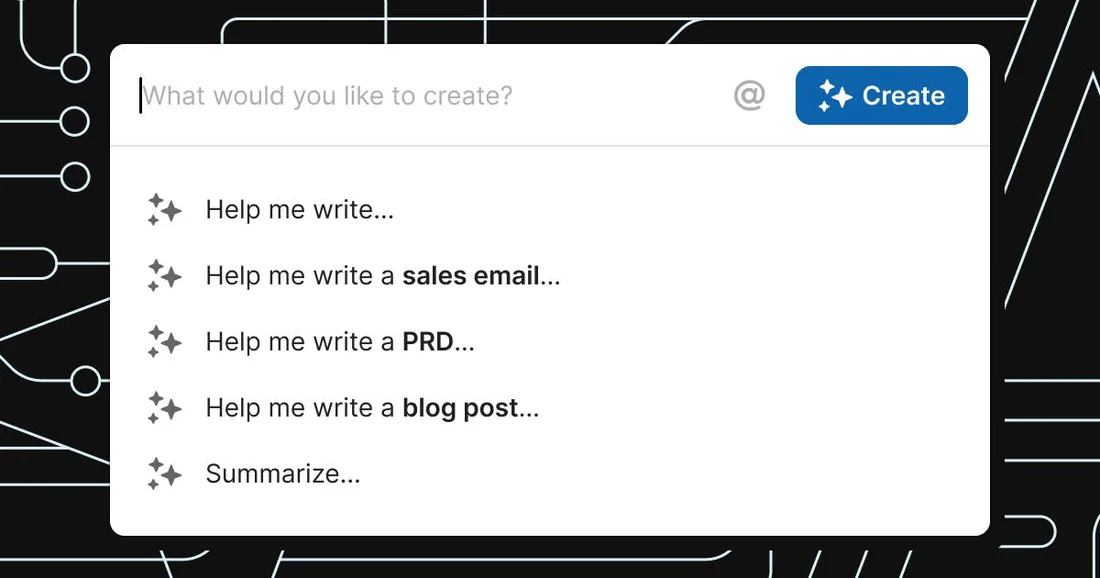
Coda builds its generative features into the same surface as its formulas and tables rather than shipping a separate AI app. The vendor's own product page, current as of 16 September 2026, lists three entry points: AI Chat for open-ended questions, an AI Assistant that can "start from scratch, summarize, or generate tables," and an AI Column that turns "tedious tasks into auto-generated content." On cost, the page states plainly that "Coda AI is included for Doc Makers," explicitly "Not a separate add-on. Not a separate license," a billing model distinct from a metered per-prompt charge.
What the documents show
Coda's own getting-started guide walks through configuring an AI column step by step: add a column, set its type to AI column, choose an "Input" column the AI reads from, add "Additional instructions," optionally toggle "Refresh when column changes" so results update automatically, then run "Fill column." That sequence makes the feature closer to a spreadsheet formula than a chat session: it is configured once per column and then reruns against whichever rows match its input, rather than being invoked per document.
The friction
The setup guide includes its own caution, not a marketing add-on: "Double-check important information when accuracy matters, and try prompts on a small data set before applying them broadly." That instruction implies a testing step most spreadsheet formulas never require, because an AI column's output can vary in ways a SUM or VLOOKUP formula's cannot. The "Refresh when column changes" toggle compounds that: leaving it on means every edit to the input triggers a fresh, unreviewed generation, which is convenient for staying current and risky for anything the guide calls accuracy-sensitive.
What changed in the work
A per-row task, summarizing, tagging, or drafting one cell at a time, became a per-column setup decision made once and then left running or paused. Because the vendor's own materials fold the cost into the existing Doc Maker plan rather than metering it, the friction that remains is entirely the review discipline the getting-started guide recommends, not a separate purchase decision.
- Does your AI column run on every edit, or only when someone manually fills it?
- Have you tested a new AI column's instructions on a small subset of rows first, as the guide suggests?
- Who is responsible for spot-checking an AI column's output once it is live?
Coda's documentation treats the AI column as a configuration choice with a built-in warning label, bundled into a plan a doc-maker likely already pays for.
Sources & verification
Preserved from the earlier archive. These sources have not all been freshly rechecked for this expansion.
- AI in CodaSource date: not stated · Retrieved: 2026-09-16
Vendor's description of AI Chat, Assistant, and Column features and the Doc Maker billing model.
- Get started with Coda AISource date: not stated · Retrieved: 2026-09-16
Step-by-step AI column configuration and the vendor's own accuracy-checking recommendation.
Continue the workflow
- Build a reusable writing brief before polishing the prompt
A compact, reusable specification for commissioning consistent writing without relying on a clever one-off prompt.
- Review the diff for altered facts, not just improved prose
A practical review pass for comparing document versions and finding factual changes hidden inside editorial revisions.
- Hand off an accessible document with structure intact
A human-centered final check for document structure, descriptive links, image alternatives, and usable delivery across formats.
- Notion's Autofill turns a table column into an AI setup decision
Notion's help documentation, read on 16 September 2026, sets Autofill's plan requirements, run triggers, and its own accuracy warning.